0
Skip to Content
O'Brien Dental Lab
Home
Crown & Bridge
Removables & Implants
Technology
Warranty Policy
Our Mission
Team
Careers
My O'Brien Login
Videos
Blog
Upload
Download
My O'Brien Portal
Contact
My O'Brien Login
O'Brien Dental Lab
Home
Crown & Bridge
Removables & Implants
Technology
Warranty Policy
Our Mission
Team
Careers
My O'Brien Login
Videos
Blog
Upload
Download
My O'Brien Portal
Contact
My O'Brien Login
Home
Folder: Products
Back
Crown & Bridge
Removables & Implants
Technology
Warranty Policy
Folder: About
Back
Our Mission
Team
Careers
My O'Brien Login
Videos
Blog
Folder: Resources
Back
Upload
Download
My O'Brien Portal
Contact
My O'Brien Login
  • Implant,
• 12/18/24

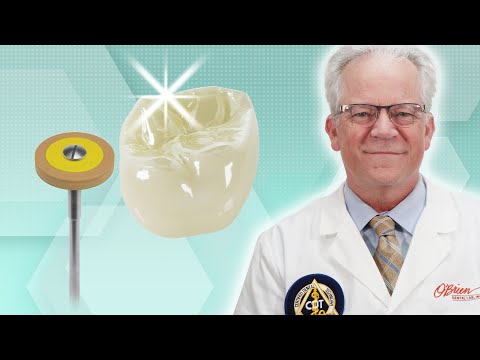
DiamoDent Torque Driver Tips

Previous

Torque Driver Compatibility

Next

How to Restore IMZ Non-Hexed Implants

You Might Also Like

Related Embedded Video Item Thumbnail How to Restore IMZ Non-Hexed Implants
Related Embedded Video Item Thumbnail How to Correctly Use a Verification Jig
Related Embedded Video Item Thumbnail How to Take an Open Tray Implant Impression
Related Embedded Video Item Thumbnail How to Make a Partial Clasp Assembly Index
Related Embedded Video Item Thumbnail How to Take a Pickup Impression for a Locator Reline

O’Brien Dental Lab Inc.

4311 SW Research Way
Corvallis, Oregon 97333

Copyright © 2026 OBDL - All Rights Reserved
Site by Styled Slate

My O’Brien Login

Products
Warranty
About
Blog
Careers
Contact
Privacy Policy

No results found
Newsletter Block
This newsletter signup form needs a storage option. Edit the block and enter a storage location via the Storage tab.

Sign up with your email address to receive news and updates.

Thank you!